Home Admin
Home Admin is created by Head of Company
Home Admin belongs to particular Company. And the default Password of the Home Admin is given by Head of Company. It is suggested for Home Admin to Change Password .
Home Admin can create Staff Of Company
Default view of Home Admin
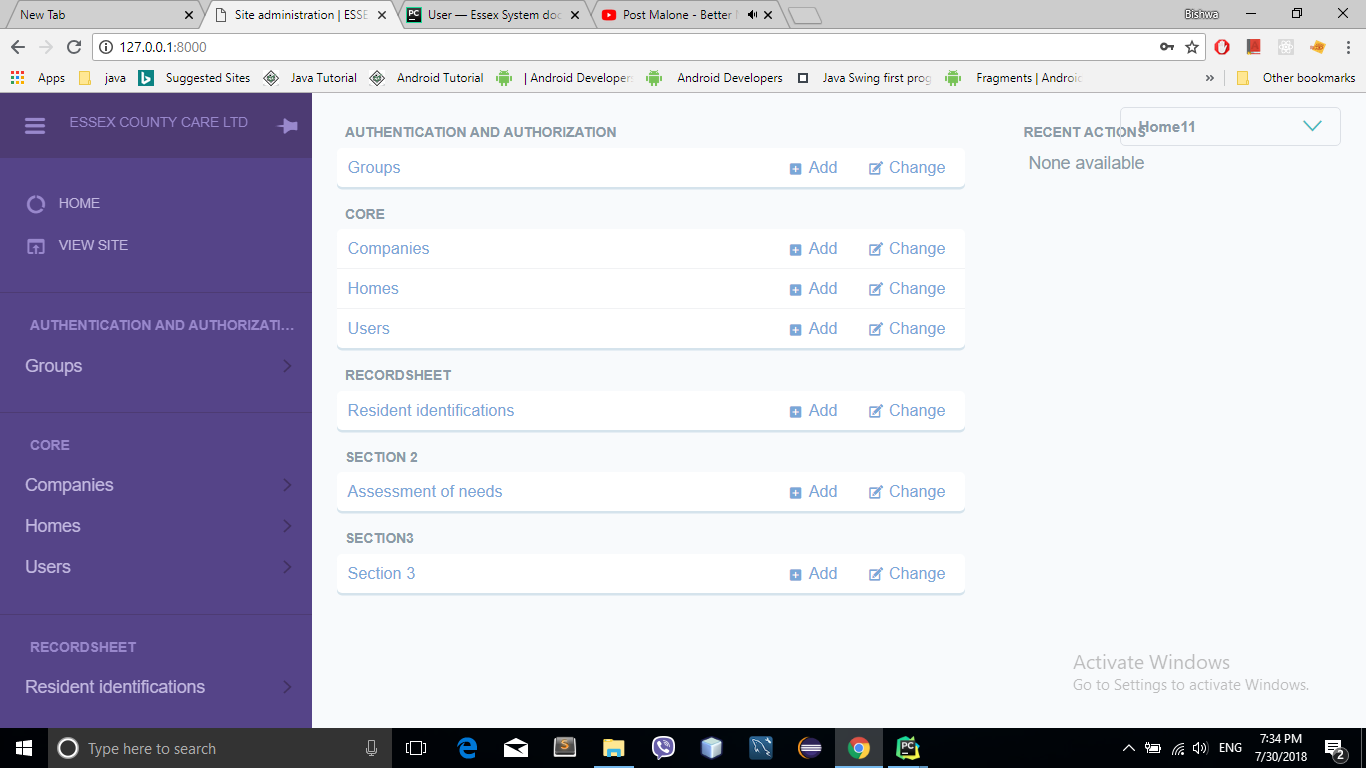
- Add staff/user by following the steps:
Click on the Add in the User section as depicted below:
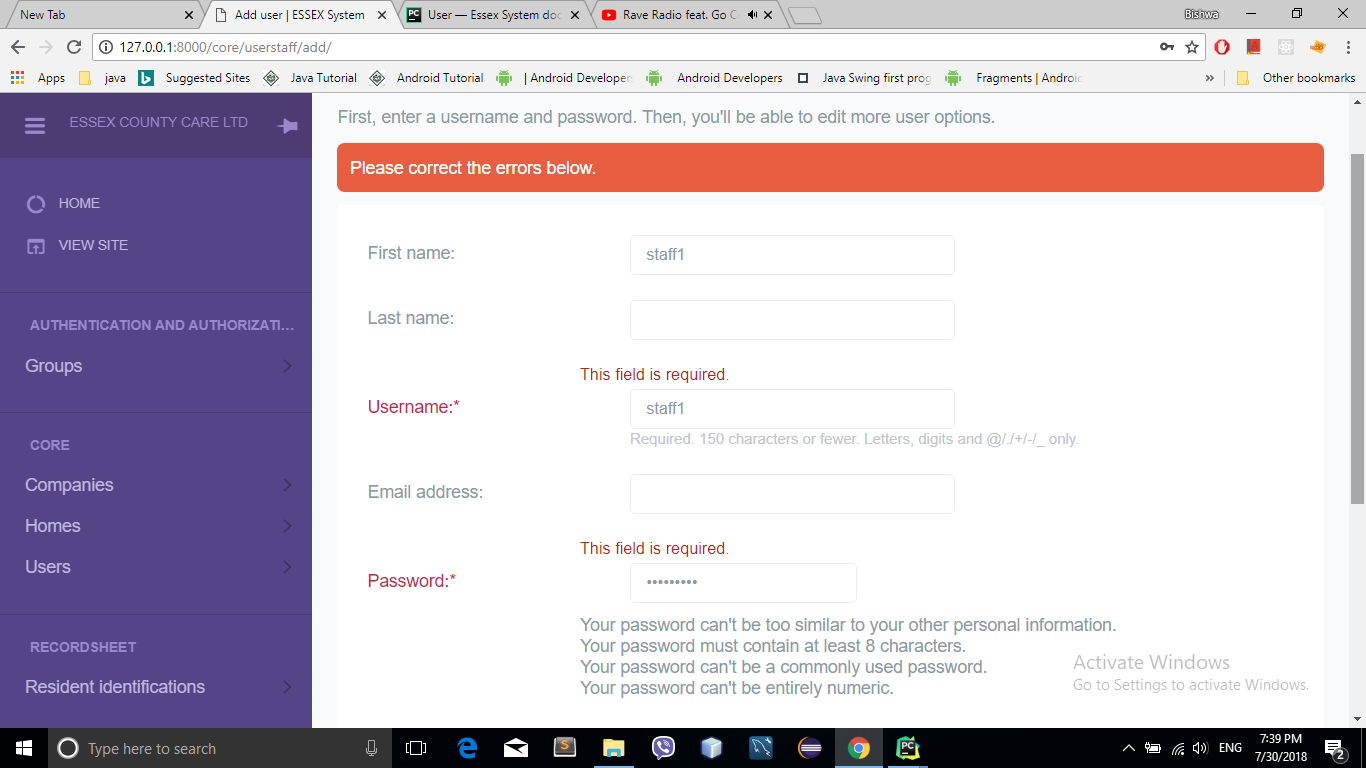
Fill the staff/user detail form
Add First name in the First name field.
Add Last name in the Last name field.
Add Username in the Username field.
Add Password in the Password field.
Save
Now the User/Staff Of Company is created by the Home Admin and the default Username and Password
of the particular User/Staff as created above is given by Home Admin to particular User/Staff Of Company. It can be changed by the User/Staff Of Company.
- Add the staff details
- General
- Add the Biography of the User/Staff in the Bio field.
- The Company and Home field contains the Company and Home to which the User/Staff belongs.
- Username field contains the Username given to the User/Staff and can be changed from here.
- Password is encrypted and can’t be seen in the Password field.
- Personal Info
- Contains Users First name Last name and Email. These field can contain User’s name and email
- and can be changed.
- Permission
- Active
- Instead of deleting the User uncheck the Active button to detach the User.
- Staff Status
- Unchecking the Staff Status deny the User to login to the site.
- Important dates
- Joined date
- States when the User was joined to site.
- Last Login
- States the last recent time the User was login to the site
Save
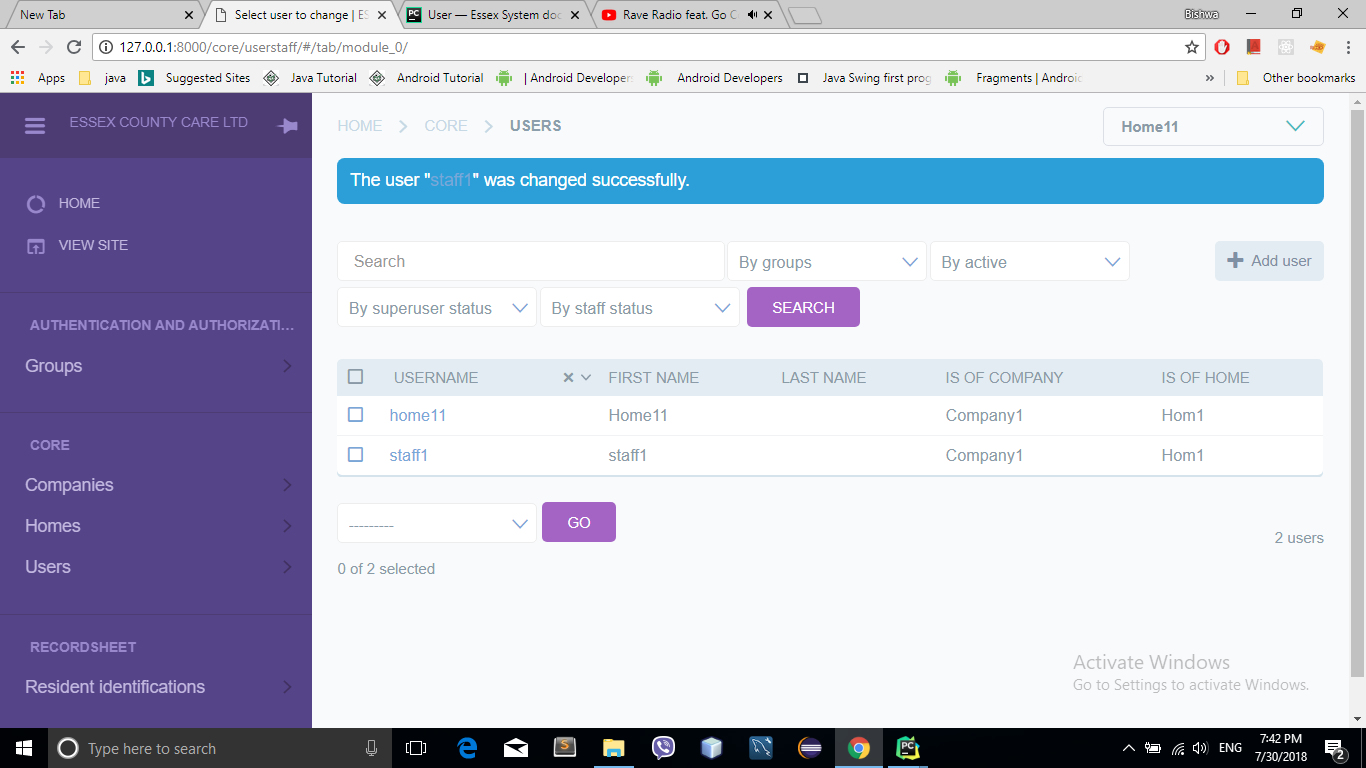
Staff created. List of user
Change Password
- Follow the instruction below to Change Password
Click the drop down menu
- Go to Change password
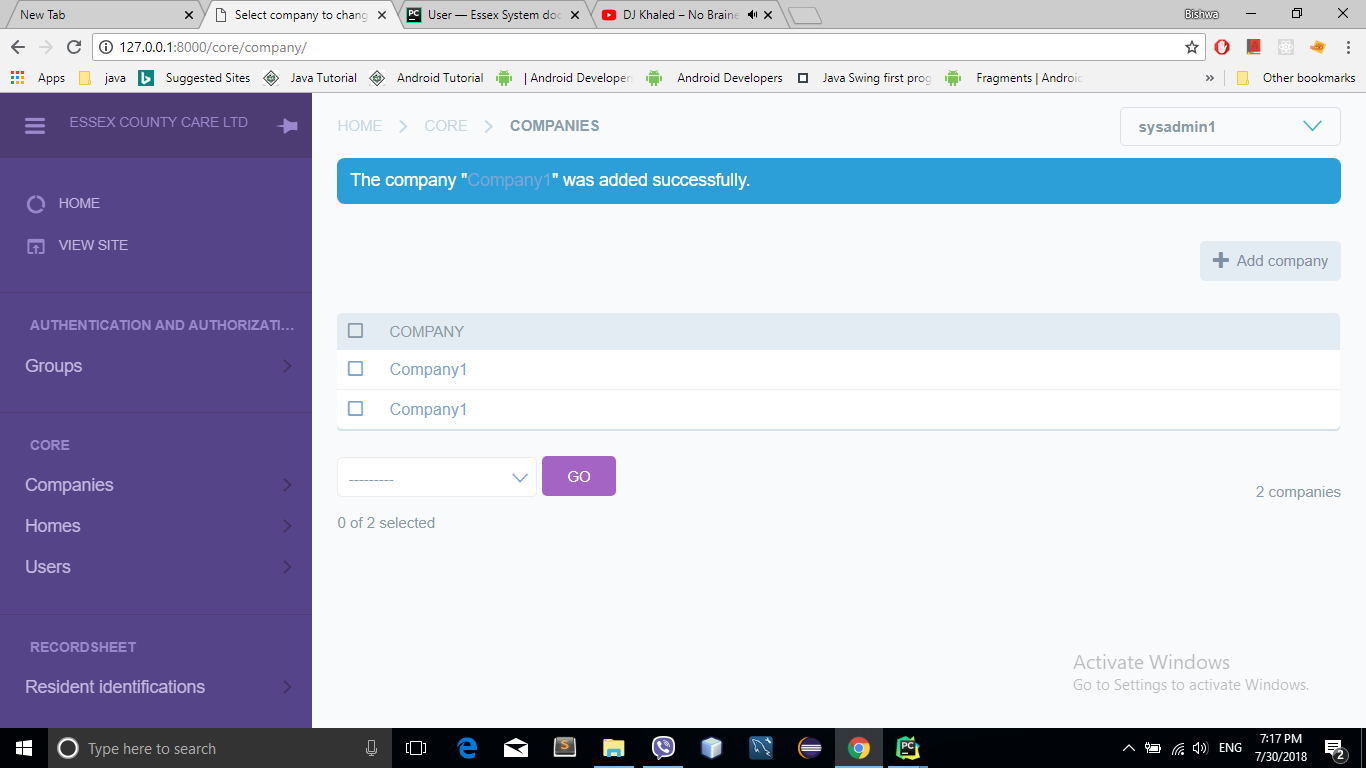
Enter the Old Password in the Old Password field. Old Password is given by default.
Enter the New Password in the New Password field.
Confirm by entering the New Password again in the Confirmation field.
Press the Change my password button.
Congratulation your password is changed successfully.