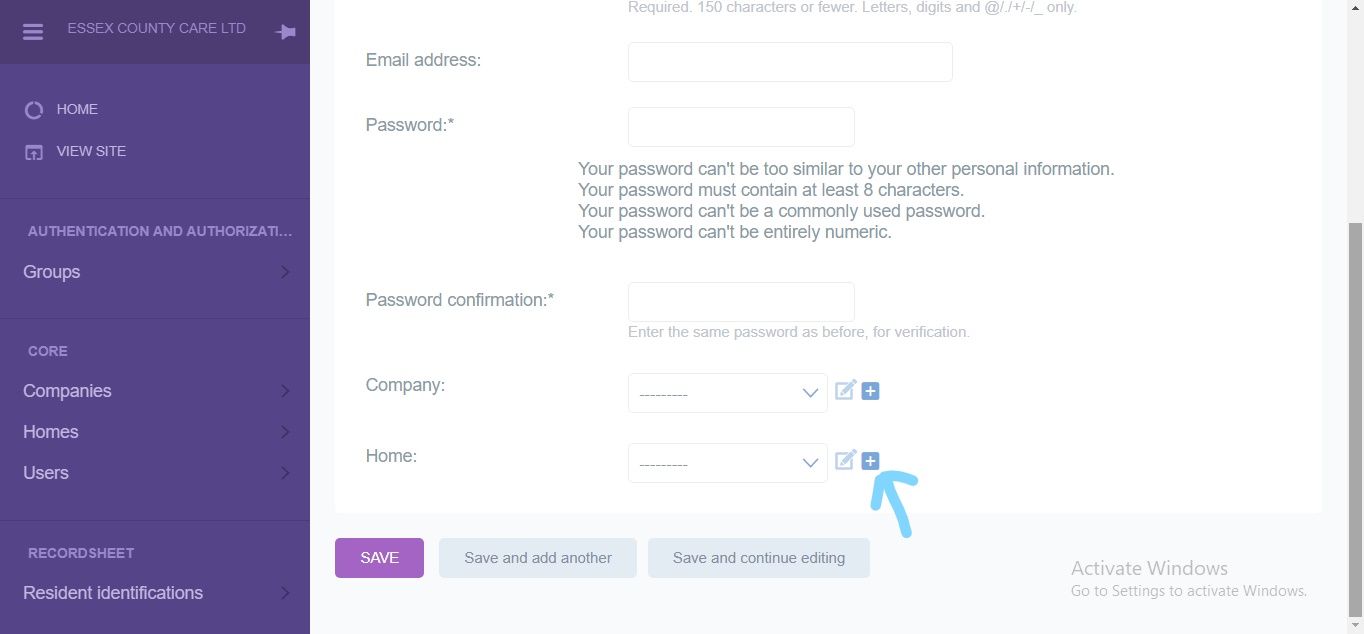
Add user
How to add add user ?
This documentation has an implementation guide that you should follow to configure it.
It’s a step-by-step wizard with links to the different screens you will need.
- User details page. Here you can search user
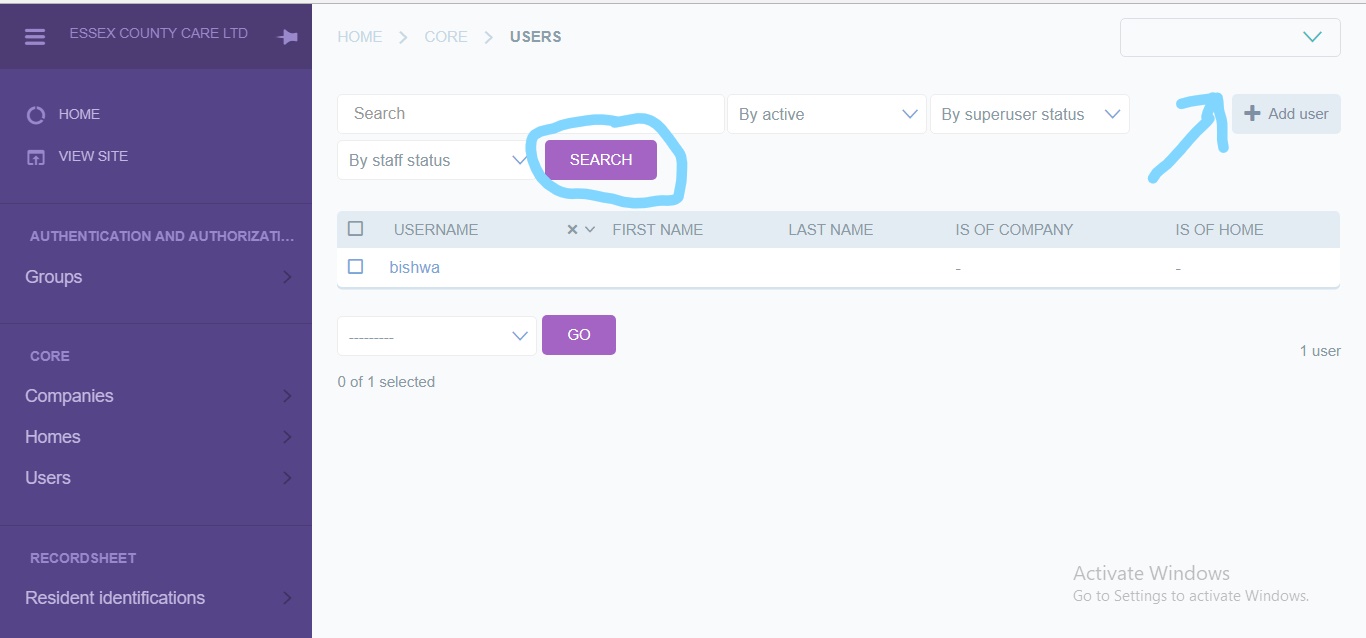
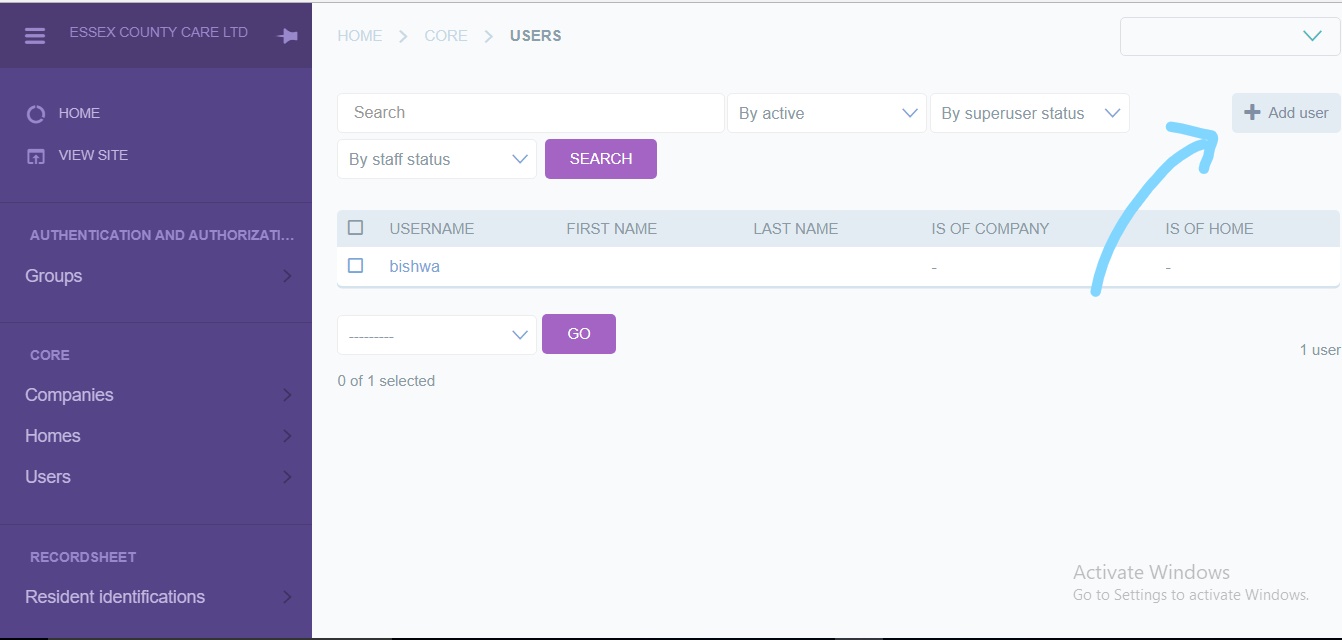
- Add the user
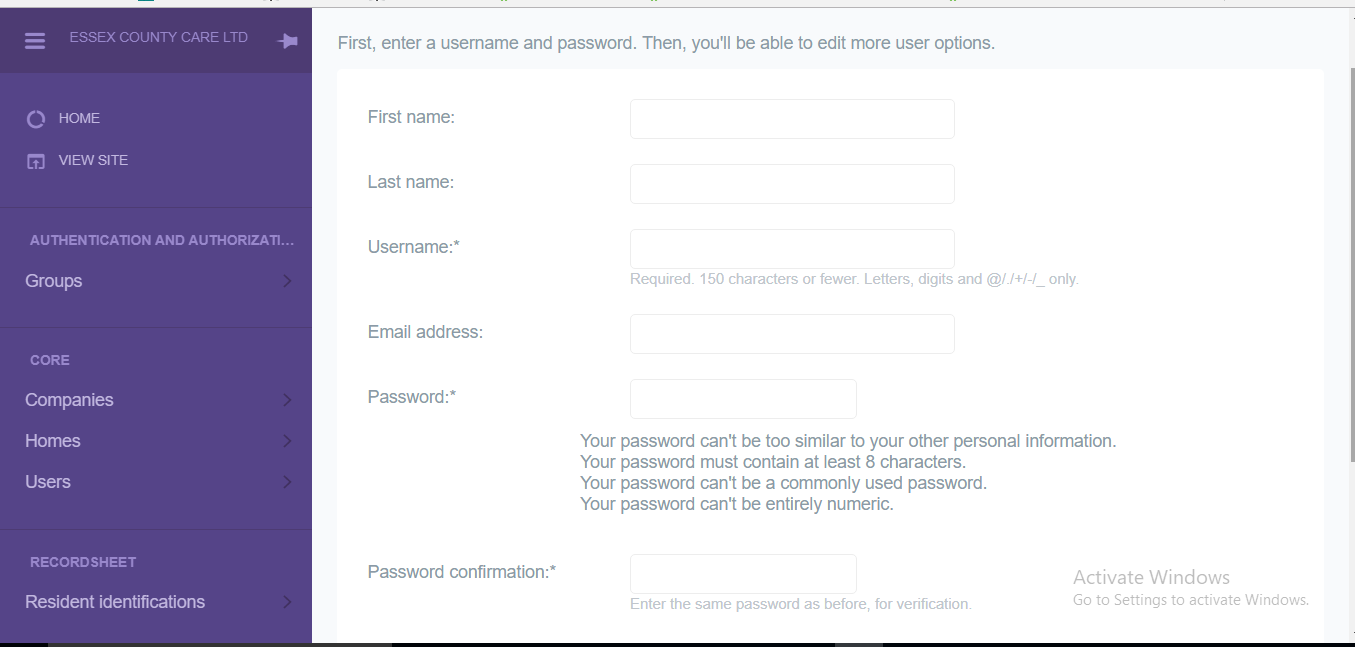
- Add user details
- Select the company for the user. If user belongs to new company then add company details
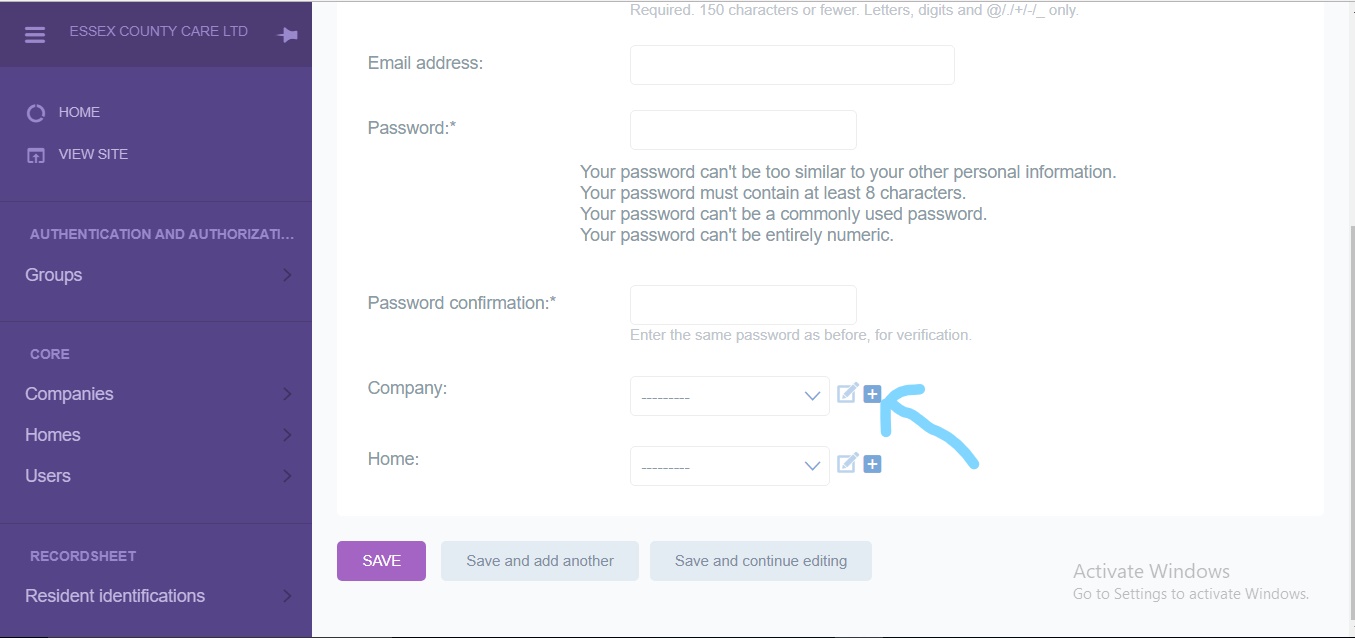
- Add Home of user